WAN 3.0 porn is the newest way to turn a single reference image into a fully animated, uncensored adult video — complete with native audio — right inside the VirtuaVixen AI porn generator. If you have used earlier models, WAN 3.0 is the biggest leap yet for reference-to-video: it keeps your character consistent, moves the way real bodies move, and renders explicit scenes with zero censorship. This guide explains what WAN 3.0 is, how it compares to WAN 3.0 Prime, and exactly how to make WAN 3.0 porn step by step.
What Is WAN 3.0?
WAN 3.0 is a reference-to-video (R2V) AI model. Instead of generating a scene from a text prompt alone, you upload a reference image — a face, a character, a body — and WAN 3.0 animates it into a coherent video that stays true to your subject from the first frame to the last. That consistency is what makes WAN 3.0 porn feel like a real clip of a specific performer rather than a random face that morphs every second.
Three things set WAN 3.0 apart for adult content:
- Fully uncensored. WAN 3.0 renders explicit, hardcore acts without filters or blurring — exactly what an AI porn video tool should do.
- Native audio. WAN 3.0 generates sound alongside the video, so moans, movement and ambience are baked in — no separate audio pass required.
- Long, single-shot clips. You can render one continuous take from 5 up to 30 seconds, at resolutions up to 1080p, in landscape (16:9) or vertical (9:16) for reels.
What Makes WAN 3.0 Ideal for Porn
Most AI video models were trained for safe, general-purpose footage and choke the moment a scene gets explicit. WAN 3.0 was built for realistic human motion, which is precisely where adult content lives. Because it is reference-driven, WAN 3.0 porn holds a performer’s likeness steady through penetration, position changes and cumshots — the exact moments where weaker models fall apart. Combine that with native audio and you get a finished clip, not a silent, flickering loop.
See WAN 3.0 in Action: Example Videos
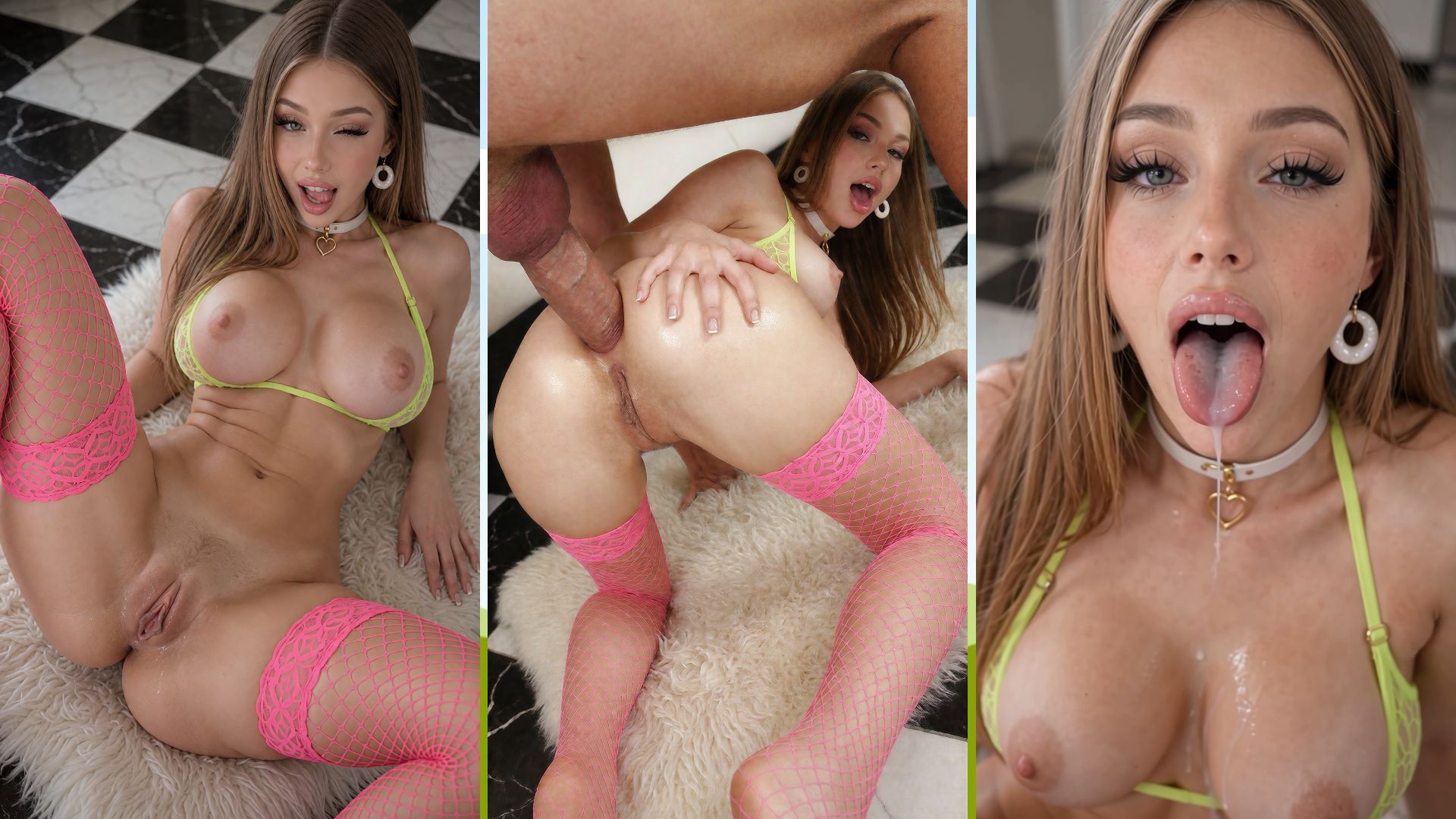
Here are three of the latest uncensored AI videos from the VirtuaVixen library — including a scene generated with WAN 3.0 itself. Click any thumbnail to watch the full clip.
WAN 3.0 vs WAN 3.0 Prime
On VirtuaVixen you will see two WAN 3.0 options in the video generator. Both are fully uncensored and both do reference-to-video with native audio — the difference is the quality-and-speed tier.
| Feature | WAN 3.0 | WAN 3.0 Prime |
|---|---|---|
| Best for | Longer or experimental clips on a smaller token budget | The best results — faster renders plus sharper detail and cleaner motion |
| Resolution | 480p / 720p / 1080p | 480p / 720p / 1080p |
| Duration | 5–30 seconds | 5–30 seconds |
| Aspect ratios | 16:9, 9:16, adaptive | 16:9, 9:16, adaptive |
| Native audio | Yes | Yes |
| Uncensored | Yes | Yes |
Rule of thumb: reach for WAN 3.0 Prime when you want the best quality and the fastest render — it is the premium tier. Choose the base WAN 3.0 to stretch your tokens further on longer or more experimental clips.
WAN 3.0 Specs at a Glance
| Capability | WAN 3.0 |
|---|---|
| Type | Reference-to-video (upload an image, get a video) |
| Resolutions | 480p, 720p, 1080p |
| Clip length | 5 to 30 seconds, single shot |
| Orientation | Landscape 16:9, vertical 9:16, or adaptive |
| Audio | Native, generated with the video |
| Content policy | Fully uncensored adult content |
| Pricing | Token-based, scaled by resolution and length (shown live in the generator) |
How to Make WAN 3.0 Porn on VirtuaVixen
Making WAN 3.0 porn takes about a minute to set up. Here is the full workflow:
- Open the generator. Head to the AI Porn Studio and switch to the video / reference-to-video tab.
- Pick WAN 3.0 or WAN 3.0 Prime. Choose the base model for speed and value, or Prime for top-tier quality.
- Upload your reference image. Use a clear, well-lit image of the character or performer you want animated. The stronger the reference, the more consistent your WAN 3.0 porn clip will be.
- Write your prompt. Describe the action, the camera, and the setting — e.g. the position, the pace, and the point of view. Be explicit; WAN 3.0 is uncensored, so there is no need to soften the language.
- Set resolution, length and aspect ratio. Go vertical 9:16 for reels and phones, or 16:9 for widescreen. Pick 480p for quick tests, 1080p for the final cut, and choose a duration from 5 to 30 seconds.
- Generate. WAN 3.0 renders the video with native audio and drops it in your library, ready to download or share.
Tips for the Best WAN 3.0 Porn Results
- Use a sharp reference. Face-forward, good lighting and minimal blur give WAN 3.0 the cleanest identity to lock onto.
- Prompt the motion, not just the scene. Describe how the action moves — rhythm, angle, and transitions — so the video has direction instead of a static pose.
- Test small, finish big. Prototype at 480p or 720p to lock in your prompt, then render the final cut at 1080p on WAN 3.0 Prime for the fastest, cleanest high-res result.
- Match the aspect ratio to the platform. 9:16 for shorts and phone viewing, 16:9 for desktop and widescreen edits.
- Keep clips focused. A tight 5–10 second scene often looks better than a rushed 30-second one — extend the length once the shorter version nails the look.
WAN 3.0 vs WAN 2.2: What Changed
If you have used WAN 2.2, WAN 3.0 is the natural upgrade. WAN 2.2 proved that open AI video could handle hardcore scenes; WAN 3.0 pushes further with true reference-to-video consistency, native audio, longer single-shot clips and cleaner motion. For anyone serious about making AI porn, WAN 3.0 is the model to reach for first.
Frequently Asked Questions
Is WAN 3.0 porn really uncensored?
Yes. Both WAN 3.0 and WAN 3.0 Prime render explicit adult content with no filters, on a platform built specifically for uncensored AI porn.
Do I need a reference image to use WAN 3.0?
Yes — WAN 3.0 is a reference-to-video model, so you provide an image and it animates that subject. This is what keeps your character consistent throughout the clip.
How long can a WAN 3.0 clip be?
From 5 up to 30 seconds in a single shot, at up to 1080p, with native audio included.
Should I use WAN 3.0 or WAN 3.0 Prime?
WAN 3.0 Prime is the premium tier — it renders faster and delivers the highest quality, so choose it when you want the best result with the least waiting. Pick the base WAN 3.0 to save tokens on longer or more experimental clips.
Start Making WAN 3.0 Porn
WAN 3.0 brings reference-to-video, native audio and fully uncensored output together in one model — the fastest route to realistic, consistent AI porn today. Open the VirtuaVixen AI Porn Studio, upload a reference, and generate your first WAN 3.0 porn clip in minutes. New to AI video? Start with our guide to making AI porn and then come back to WAN 3.0 for the upgrade.
🛠 Create Similar Results: MiniMax H3 — Reference to Video
Take your ai porn video production to the next level with this template. This resource is optimized for the MiniMax H3 Ref2V (bf16) checkpoint. It is configured to produce AI Reference-to-video content using the MiniMax H3 sampler. Includes pre-set nodes for 1 LoRAs to help you replicate this aesthetic.
Compatible with ComfyUI & Wan 2.1 / 2.2